Top 10 Features Every Therapy Practice Management Software Must Have

Shopping for therapy practice management software can feel like drinking from a firehose. Every vendor promises to be comprehensive, every feature list runs a mile long, and after a few demos the platforms start to blur into one another. The problem is not a shortage of features; it is knowing which ones actually matter for running a physical therapy, occupational therapy, speech-language pathology, or mental health practice day after day.
This guide cuts the list down to the essentials. These are the ten features that separate software you will still be grateful for in three years from software you will be quietly resenting by month three. For each one, we will explain not just what it is but why it matters to your clinical work, your revenue, and your sanity.
Why the Right Feature Set Matters
A practice management platform is not a piece of software you use occasionally. It is the environment you and your team live in all day, every day. The wrong tool taxes you with a hundred small frictions: an extra click here, a workaround there, a report you can never quite get. The right tool disappears into the background and lets you focus on patients.
The single most important decision underneath all ten features is whether they live in one integrated system or scattered across separate tools. An all-in-one platform that unifies scheduling, documentation, billing, telehealth, and patient communication eliminates the double entry and integration failures that plague stitched-together toolkits. Keep that theme in mind as you read: each feature below is far more powerful when it shares data with the others rather than standing alone.
1. Intuitive Scheduling and Online Booking
Scheduling is the operational heartbeat of any therapy practice, so it belongs at the top of the list. But a basic calendar is not enough. Therapy scheduling has to handle recurring plans of care, provider and room availability, varying treatment durations, and the reality that many patients cannot call during business hours.
The features that matter most here are:
- Patient self-scheduling through a secure portal or website, capturing bookings outside office hours.
- Recurring series so you can schedule an entire episode of care at once.
- Resource management for rooms and equipment, not just clinician calendars.
- Provider-side control over availability and time blocks.
Look for easy patient scheduling that reduces front-desk phone volume while giving you granular control over what patients can book and when. Scheduling that patients actually find easy is scheduling that fills your calendar.
2. Automated Appointment Reminders
Once appointments are booked, the next challenge is making sure patients show up. No-shows and last-minute cancellations quietly drain revenue and disrupt your entire day, and reminders are the most reliable defense.
Effective reminder systems send timely notices by text and email, let patients confirm or cancel directly from the message, and give you control over timing and cadence. A reminder a couple of days ahead plus one on the morning of the visit consistently outperforms a single notice. When a patient does cancel early, that advance warning gives you time to fill the slot from a waitlist, turning a potential loss into a kept visit.
3. Clinical Documentation and Note-Taking
Documentation is where clinicians spend an enormous amount of time, and where good software delivers some of its biggest returns. The right note-taking tools respect that PT, OT, SLP, and mental health each document differently, and they give you templates suited to your discipline rather than a one-size-fits-all medical format.
Strong note taking capabilities include:
- Discipline-specific, customizable templates that match how you actually work.
- Carry-forward of goals and prior context so continuity is effortless.
- Structured fields alongside narrative freedom for clinically rich records.
- Quick access to a patient's history while you write.
Documentation that is faster to produce and genuinely useful clinically is one of the strongest antidotes to the after-hours charting that fuels burnout.
4. Integrated Billing and Claims
Getting paid should not require a separate universe of software and manual re-entry. Billing that is woven into the same system as your scheduling and documentation draws from a single source of truth, which means fewer errors, faster claims, and less time chasing money you have already earned.
The billing capabilities to prioritize are seamless billing tools that generate clean claims with the right codes, handle both insurance and self-pay workflows, produce superbills for out-of-network patients, and track patient balances clearly. When billing is integrated rather than bolted on, a completed note can flow toward a claim without your staff rekeying information, closing one of the most common gaps where revenue leaks away.
5. Telehealth Integration
Telehealth has moved from emergency measure to permanent fixture in therapy practices. It expands access for patients who face transportation, mobility, or scheduling barriers, and it lets you maintain continuity of care when in-person visits are not feasible.
What separates good telehealth from a headache is integration and compliance. You want telehealth that is HIPAA-compliant, reliable, and built directly into your scheduling and documentation, so a virtual visit launches, gets documented, and gets billed within the same platform. Bolting a generic video app onto your practice forces staff to juggle disconnected tools and copy information back and forth, which is exactly the friction integrated telehealth removes.
6. A Secure Patient Portal
A patient portal is the connective tissue between visits, and patients increasingly expect one. It gives them a secure place to book appointments, complete intake forms, message their provider, access documents, and handle payments, all without a phone call.
A capable patient portal benefits your practice as much as your patients:
- Digital intake eliminates paper and reduces front-desk data entry.
- Secure messaging cuts down on phone tag while keeping communication compliant.
- Self-service access to forms, statements, and appointments frees your staff for higher-value work.
- A more engaged patient who can easily interact with your practice tends to stay in care and follow through on their plan.
The portal turns your patients into active participants in their own administrative workflow, which lightens the load on your team.
Spend less time on admin, more time with patients
See how TheraPro360 brings scheduling, notes, telehealth, and billing into one HIPAA-compliant platform.
7. HIPAA-Compliant Security
This one is not a feature so much as a foundation, and it is non-negotiable. Every function above touches protected health information, so security has to be engineered into the platform, not sprinkled on top.
At minimum, insist on:
- Encryption of data at rest and in transit.
- Unique user logins with two-factor authentication and role-based access.
- Audit logging that records who accessed which record and when.
- A signed Business Associate Agreement from the vendor.
A marketing badge is not proof. Confirm the compliance posture directly and get the BAA in hand before you commit, because ultimately the responsibility for protecting patient data rests with your practice.
8. Reporting and Analytics
You cannot improve what you cannot see. Reporting turns the data your practice generates every day into decisions you can act on. Utilization rates tell you whether your hours are staffed well. No-show and cancellation trends reveal where reminders or policies need tightening. Revenue and claim reports show you where money is getting stuck.
The best analytics are not a wall of numbers but a clear window into the health of your practice, surfacing the handful of metrics that actually drive staffing, scheduling, and financial decisions. Because an integrated platform holds all your data in one place, its reporting can connect the dots across scheduling, documentation, and billing in a way that separate tools never can.
9. Customization and Workflow Flexibility
No two therapy practices run identically. A busy outpatient PT clinic, a solo mental health practice, and a pediatric speech therapy office have genuinely different workflows, and software that forces all of them into one rigid mold will frustrate at least two of them.
Look for the ability to customize templates, forms, appointment types, and workflows to match how your practice actually operates. The right platform bends to your process rather than demanding you redesign your practice around its assumptions. If a demo requires you to change how you deliver care just to fit the tool, treat that as a warning sign.
10. Reliable Support and Onboarding
The final feature is easy to overlook during a shiny demo and impossible to ignore once you are live. Even the best software has a learning curve, and the difference between a smooth rollout and a painful one usually comes down to support.
Evaluate:
- Onboarding and data migration help, since moving from an old system is where many transitions stumble.
- Responsive, knowledgeable support when questions come up during real patient hours.
- Training resources so new staff can get up to speed without pulling your whole team offline.
- A vendor that understands therapy, because generic support that does not grasp your clinical workflows will leave you frustrated.
Software is a long-term relationship. The quality of support is what determines whether that relationship works.
Bringing the Ten Together
Read individually, each of these features is useful. Read together, a pattern emerges: their real power comes from integration. Scheduling that feeds documentation, documentation that feeds billing, telehealth that lives inside the same system, a portal that connects it all, and security that protects the whole. When these functions share data, your practice runs as one coherent operation. When they are scattered across separate tools, every seam becomes a source of friction, errors, and lost time.
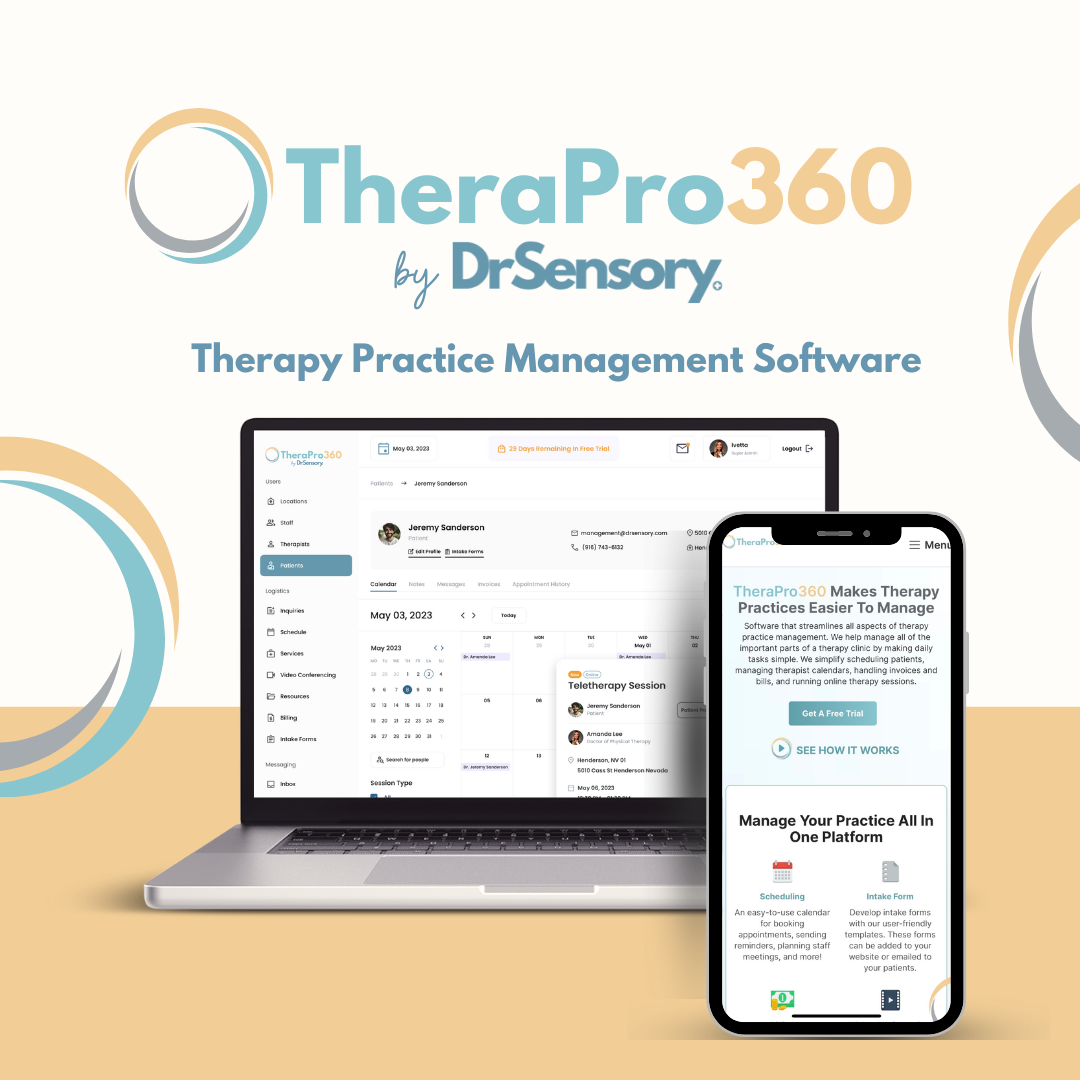
That is exactly the case for a unified platform. TheraPro360 is an all-in-one, HIPAA-compliant practice management system built for PT, OT, SLP, and mental health practices, bringing scheduling, automated reminders, documentation, integrated billing, telehealth, and a secure patient portal together in a single environment designed around how therapists actually work.
If you are weighing your options, the smartest move is to see how these ten features feel when they work as one system rather than ten disconnected tools. Contact us for a walkthrough tailored to your discipline, or review straightforward, therapy-focused plans on the pricing page to see what an integrated platform would cost your practice.
Frequently Asked Questions
What is the most important feature in therapy practice management software?
There is no single feature that outweighs all others, because they work as a system. That said, HIPAA-compliant security is the non-negotiable foundation, since every other function handles protected health information. Beyond that, the most valuable characteristic is integration: scheduling, documentation, billing, and telehealth that share data deliver far more value together than any one feature does alone.
Do I need an all-in-one platform, or can I combine separate tools?
You can combine separate tools, but most practices find an integrated platform more efficient and less error-prone. Separate systems require duplicate data entry, rely on fragile connections between vendors, and multiply your compliance obligations. An all-in-one platform keeps information consistent across functions, reduces manual work, and typically costs less than stacking several point solutions.
How do I know if software is genuinely HIPAA-compliant?
Do not rely on a marketing badge. Confirm that the vendor encrypts data at rest and in transit, enforces unique user logins with access controls, maintains audit logs, and will sign a Business Associate Agreement. A reputable vendor provides these details readily. Since your practice bears ultimate responsibility for protecting patient data, verify the compliance posture in writing before committing.
Will practice management software work for my specific discipline?
It should, if it is built for therapy. PT, OT, SLP, and mental health practices document and bill differently, so look for customizable templates, appointment types, and workflows that match your specialty rather than a rigid, one-size-fits-all medical format. Software designed specifically for therapy disciplines will fit your work far better than a repurposed general medical tool.
How long does it take to switch to new practice management software?
It varies with the size of your practice and the amount of data you are migrating, but the biggest factor is the quality of onboarding and support. A vendor that provides structured onboarding, data migration assistance, and responsive help can make the transition smooth, while poor support can stretch it out painfully. Prioritize onboarding quality when you evaluate options, since it heavily shapes your experience.

Dr. Eva Lassey PT, DPT has honed her expertise in developing patient-centered care plans that optimize recovery and enhance overall well-being. Her passion for innovative therapeutic solutions led her to establish DrSensory, a comprehensive resource for therapy-related diagnoses and services.
View profile
Irina Shvaya is the Founder of eSEOspace, a Software Development Company. She combines her knowledge of Behavioral Neuroscience and Psychology to understand how consumers think and behave.
View profileReady to simplify your practice?
See how TheraPro360 brings scheduling, notes, telehealth, and billing into one place.