Therapist CRM vs. Practice Management Software: What's the Difference?

If you have shopped for software to run your therapy practice, you have probably run into two terms that sound similar but describe very different things: CRM and practice management software. Vendors sometimes blur the line between them, which makes it hard to know what you are actually buying and whether it will solve your problem. Choosing the wrong category can mean paying for features you never use or discovering, months in, that the tool cannot handle a core part of your day.
This article breaks down what each type of software really does, where they overlap, and how to decide what your PT, OT, SLP, or mental health practice needs. The short version is that CRM and practice management software solve different problems, and many growing practices eventually want both. But understanding the distinction first will save you money, time, and frustration.
What Is a CRM?
CRM stands for customer relationship management. At its heart, a CRM is a system for tracking relationships and communication with the people in your orbit, whether they are prospective patients, referral sources, or past clients you would like to re-engage. It is fundamentally about the front end of your business: attracting, nurturing, and retaining relationships.
What a CRM Typically Handles
A CRM is generally built to manage:
- Leads and prospective patients who have inquired but not yet booked
- Contact records with a history of every interaction
- Follow-up reminders and automated nurture sequences
- Referral source relationships, including physicians and other providers
- Marketing campaigns and email outreach
- Pipeline tracking so you can see who is moving toward becoming a patient
- Reactivation of past clients who might return for care
In other words, a CRM answers questions like: Who reached out last week and did anyone follow up? Which referral sources send us the most patients? How do we stay top of mind with people who are not ready to book yet?
For therapy practices that invest in growth, this is valuable. A patient who calls but never gets a callback is a lost relationship, and a strong referral partner who feels neglected may quietly start sending patients elsewhere. CRMs exist to make sure those relationships do not fall through the cracks. If you want to go deeper on the options available, our roundup of the best CRM tools and customer database management software for small practices is a useful place to compare approaches.
What Is Practice Management Software?
Practice management software is about running the clinical and operational core of your practice. Where a CRM focuses on relationships and the path to becoming a patient, practice management software takes over once someone is a patient and manages the actual delivery of care and the business mechanics behind it.
What Practice Management Software Typically Handles
A practice management platform generally includes:
- Scheduling and calendar management for providers and rooms
- Electronic medical records and clinical documentation
- Treatment plans, progress notes, and outcome tracking
- Insurance verification, billing, and claims
- Payments and patient statements
- A patient portal for intake forms, messaging, and self-scheduling
- Telehealth for remote sessions
- Reporting on productivity, revenue, and clinical outcomes
This is the operational backbone. It is what your clinicians and front desk touch dozens of times a day. Crucially, because practice management software handles protected health information, it must be built to strict privacy and security standards, including HIPAA compliance, in a way that a general-purpose marketing CRM often is not.
The Core Difference, In Plain Terms
Here is the simplest way to frame it:
- A CRM manages relationships and the journey toward becoming a patient. It is a growth and communication tool.
- Practice management software manages care delivery and operations once someone is a patient. It is a clinical and business tool.
Think of it as before and after the moment someone becomes an active patient. Before, you are nurturing interest, answering questions, and building trust; that is CRM territory. After, you are scheduling visits, documenting care, billing insurance, and coordinating treatment; that is practice management territory.
The confusion arises because both systems store contact information and both can send messages. But the intent and the depth are very different. A CRM might send a friendly follow-up email to someone who filled out a web form. Practice management software sends an appointment reminder tied to a scheduled clinical visit, documents the encounter, and generates a claim. One is marketing communication; the other is clinical and financial operations.
Where They Overlap
The line is not always crisp, which is why the two categories get conflated. Several capabilities can appear in both:
- Contact and communication history exists in both, though a CRM emphasizes prospects while practice management emphasizes active patients
- Automated messaging appears in both, but for different purposes
- Reporting exists in both, though it measures different things
- Some practice management platforms include light CRM-style features like waitlists or reactivation reminders
- Some CRMs advertise healthcare templates, though they rarely match the clinical and compliance depth of true practice management software
The overlap is real, but it is important not to assume that a tool strong in one area is automatically strong in the other. A marketing-first CRM will almost never give you compliant documentation and billing, and a clinical-first platform may offer only basic lead nurturing.
Spend less time on admin, more time with patients
See how TheraPro360 brings scheduling, notes, telehealth, and billing into one HIPAA-compliant platform.
When Each One Matters Most
So which do you actually need? It depends on where your practice is and what is holding you back.
When a CRM Matters Most
A CRM tends to become important when:
- You are actively trying to grow and generate new patients
- Leads are slipping through the cracks because no one owns follow-up
- You rely heavily on referral relationships that need consistent nurturing
- You want to reactivate past patients or run marketing campaigns
- Your front desk cannot keep track of who inquired and what was promised
If your biggest pain is that interested people are not converting into booked patients, or that your referral pipeline is invisible, a CRM addresses that directly.
When Practice Management Software Matters Most
Practice management software becomes essential when:
- Scheduling, documentation, or billing is chaotic or eating your time
- You are stitching together separate tools that do not talk to each other
- Compliance and secure recordkeeping are concerns
- You need reliable insurance billing and cleaner claims
- Clinicians are burning out on administrative overhead
- You want patients to self-schedule, complete intake, and message securely
If your biggest pain is the day-to-day machinery of running care, practice management software is the priority. For most therapy practices, this is the non-negotiable foundation; you can grow a practice without a dedicated CRM, but you cannot run one without scheduling, documentation, and billing.
Do You Need Both?
Many established practices genuinely benefit from both a CRM and practice management software, because they solve different problems. But that does not mean you need two completely separate systems with all the cost and complexity that implies. The bigger question is how well your tools work together.
Disconnected systems create familiar headaches: a lead in the CRM has to be re-entered when they become a patient, contact details fall out of sync, and no one has a complete picture of the relationship from first inquiry through discharge. Every manual handoff is a chance for errors and lost information. If you are weighing how to combine these functions sensibly, our guide to choosing the right practice management and CRM tools for your PT clinic walks through the trade-offs in detail.
The Case for an All-in-One Approach
This is where an integrated platform shines. Rather than bolting a marketing CRM onto a separate clinical system and hoping they cooperate, an all-in-one practice management system brings scheduling, documentation, telehealth, billing, the patient portal, and relationship-management features into a single environment. The patient's journey from first contact to active care to follow-up lives in one place, with no re-keying and no gaps.
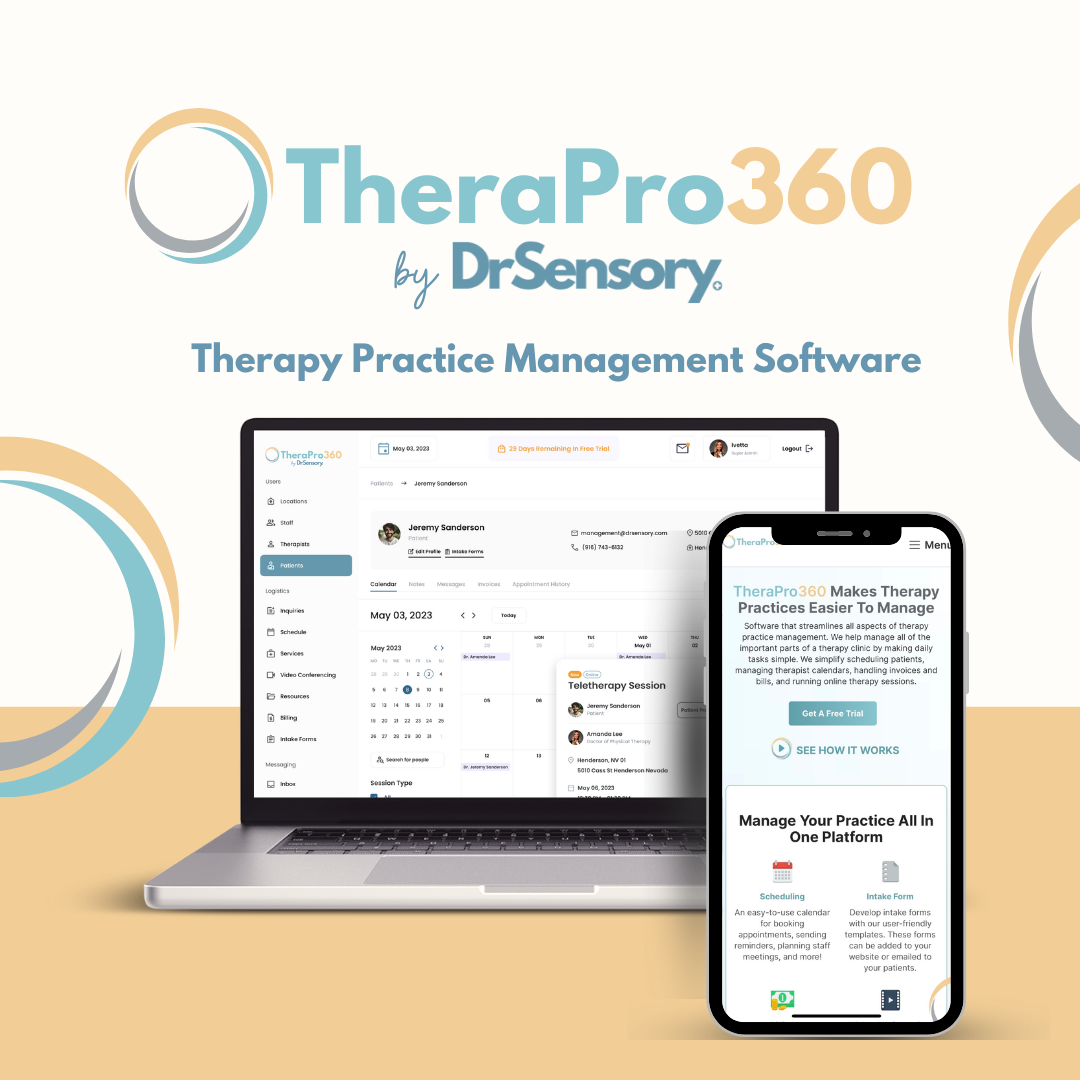
TheraPro360 is built around this idea for PT, OT, SLP, and mental health practices. Because it is designed specifically for therapy workflows, it delivers the clinical and operational depth practices actually need while keeping communication and relationships connected to the same record. That means your front desk is not toggling between systems, your clinicians document in a compliant environment, and the context of each patient relationship stays intact from the very first inquiry.
How to Decide for Your Practice
To cut through the marketing language, ask yourself a few grounding questions:
- What is my single biggest bottleneck right now, growth or operations?
- Am I losing patients before they book, or struggling to serve the ones I have?
- How many disconnected tools am I currently juggling, and what does that cost me in time?
- Does the tool I am considering handle protected health information securely and compliantly?
- Will this system grow with me, or will I outgrow it in a year?
If operations are the pain point, start with practice management software as your foundation, then layer in relationship-management capabilities as growth becomes a priority. If you are drowning in disconnected tools, an integrated platform that covers both fronts is often the most efficient path forward.
When you are ready to compare what an integrated solution would cost against the patchwork you may be using now, our pricing page lays out the options so you can match a plan to your practice size and goals.
The Bottom Line
CRM and practice management software are not competitors; they are teammates that handle different halves of your practice. A CRM nurtures relationships and drives growth, while practice management software runs the clinical and operational core. The mistake to avoid is assuming one can fully replace the other, or that a marketing-first tool can safely handle clinical data.
For most therapy practices, the smartest move is to build on a solid, compliant practice management foundation and then decide how much dedicated relationship-management horsepower you need on top of it. And increasingly, the cleanest way to get both without the pain of disconnected systems is an integrated platform designed specifically for therapy, where the entire patient journey lives in one secure place.
Frequently Asked Questions
Can a CRM replace practice management software?
No. A CRM is built to manage relationships and the path toward becoming a patient, not to deliver and document clinical care. It typically lacks compliant electronic medical records, insurance billing, treatment documentation, and the security standards required for protected health information. You can run a practice without a dedicated CRM, but you cannot safely run one without practice management software.
Can practice management software replace a CRM?
Sometimes, at least partially. Many practice management platforms include relationship-oriented features like waitlists, reactivation reminders, and patient communication. For a lot of practices, that is enough. If your growth strategy is more sophisticated, involving heavy lead nurturing, referral pipeline management, and marketing campaigns, you may want dedicated CRM capabilities in addition to your clinical platform.
Do small therapy practices need both?
Not necessarily. Small or newer practices should almost always start with practice management software, because scheduling, documentation, and billing are daily necessities. Dedicated CRM functionality becomes more valuable as you focus on active growth, referral development, and reactivating past patients. Starting with an integrated platform lets you add relationship-management strength without adopting a second disconnected system.
Why not just use two separate systems?
You can, but separate systems often create duplicate data entry, out-of-sync contact records, and blind spots where information falls between the two tools. Every manual handoff is an opportunity for errors and lost context. An integrated platform keeps the full patient journey connected, which reduces administrative work and gives you a complete picture from first inquiry through discharge.
Is a general business CRM safe for patient information?
Be cautious. Many general-purpose CRMs are designed for marketing and sales, not healthcare, and may not meet HIPAA requirements or sign a Business Associate Agreement. If you use a CRM, keep protected health information in your compliant practice management system and confirm any tool that touches patient data is built and contracted for healthcare use.

Dr. Eva Lassey PT, DPT has honed her expertise in developing patient-centered care plans that optimize recovery and enhance overall well-being. Her passion for innovative therapeutic solutions led her to establish DrSensory, a comprehensive resource for therapy-related diagnoses and services.
View profile
Irina Shvaya is the Founder of eSEOspace, a Software Development Company. She combines her knowledge of Behavioral Neuroscience and Psychology to understand how consumers think and behave.
View profileReady to simplify your practice?
See how TheraPro360 brings scheduling, notes, telehealth, and billing into one place.